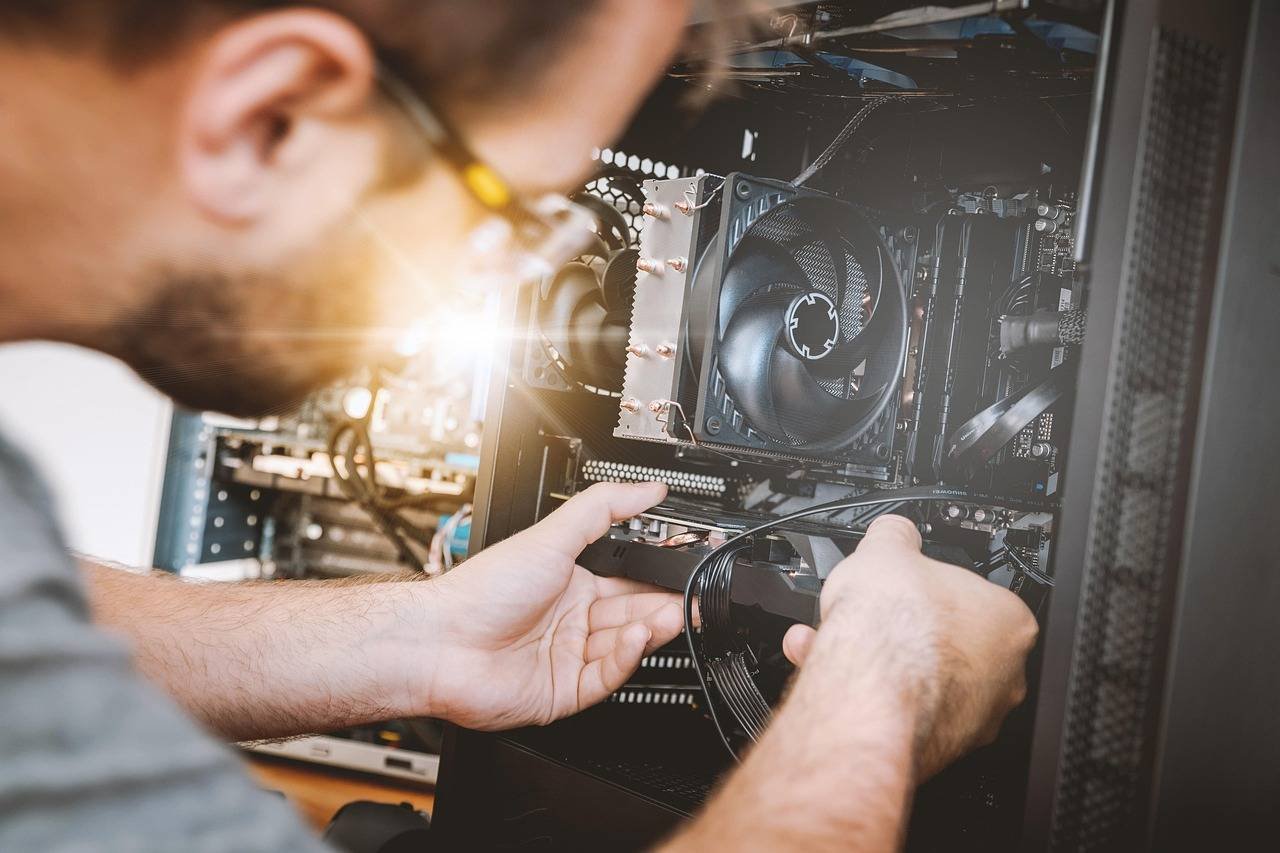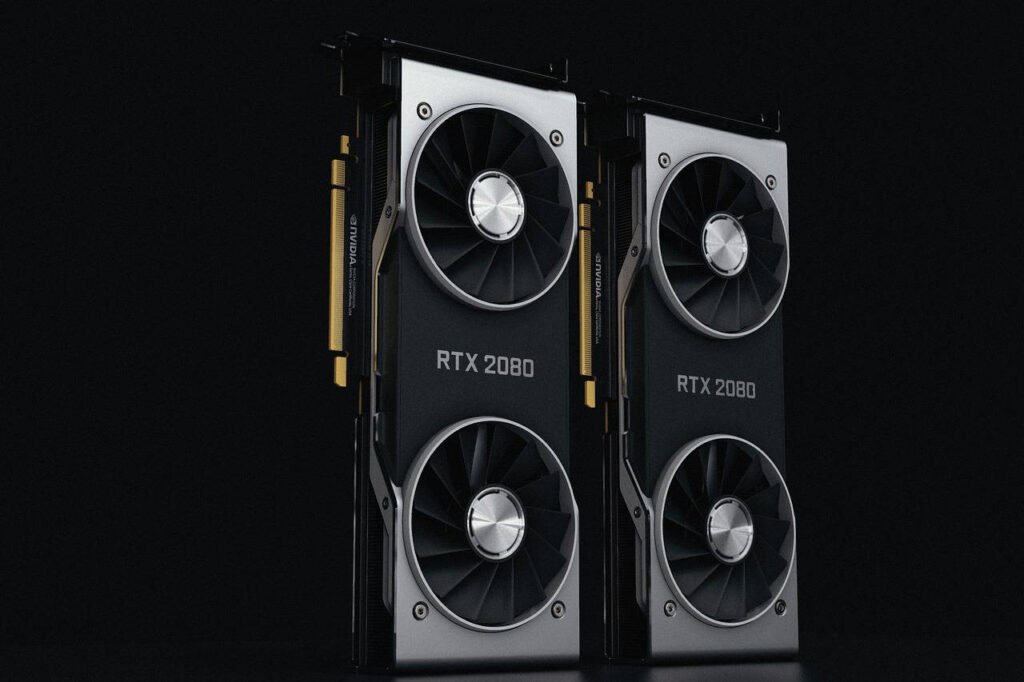

So, you’ve secured the graphics card powerhouse that is the NVIDIA GeForce RTX 3090 Ti. With its staggering 24GB of GDDR6X memory and enough brute force to handle 8K gaming and professional creative workloads, it’s a true beast. But here’s the critical question every enthusiast asks: what is the best CPU to pair with it?
Choosing the wrong processor can create a frustrating “bottleneck,” leaving your mighty GPU waiting for instructions and not performing to its full, earth-shaking potential. This comprehensive guide is your one-stop resource. We’ll cut through the marketing jargon, analyze performance data, and provide clear, actionable advice to help you build a perfectly balanced, high-performance system. Whether you’re a competitive gamer, a 4K streamer, or a 3D rendering artist, we’ve got you covered.
Understanding the Bottleneck: Why Your CPU Choice Matters
Before we dive into specific models, let’s establish a fundamental principle. Your GPU (Graphics Processing Unit) and CPU (Central Processing Unit) work as a team. The CPU prepares the frames—handling game logic, physics, AI, and draw calls—and sends them to the GPU to be rendered.
With a monster GPU like the RTX 3090 Ti, the CPU’s job becomes even more critical, especially at lower resolutions (like 1080p or 1440p) where the GPU can render frames incredibly quickly. If the CPU can’t prepare and send frames fast enough, the GPU’s potential is wasted. This is a CPU bottleneck.
Key Takeaway: The higher your target resolution and graphical settings, the more the workload shifts to the GPU. At 4K, most modern high-end CPUs will keep the 3090 Ti fed sufficiently. But for maximizing high-refresh-rate 1440p or 1080p performance, the CPU choice is paramount.
Core Selection Criteria: What to Look For
When hunting for the best CPU for RTX 3090 Ti, focus on these pillars:
- Single-Core & Gaming Performance: This is the king for gaming. Higher clock speeds (GHz) and strong single-threaded performance directly translate to higher frame rates, especially in competitive titles.
- Core & Thread Count: While 6-8 cores are excellent for pure gaming, more cores (12, 16, or even 24) are invaluable for streaming, video editing, 3D rendering, and running multiple demanding applications simultaneously.
- Platform & Future-Proofing: Your choice of CPU locks you into a specific motherboard socket (like AM5 for Ryzen 7000 or LGA 1700 for Intel 13th/14th Gen). Consider the platform’s upgrade path and features like PCIe 5.0 and DDR5 support.
- Thermals & Power (TDP): High-performance CPUs generate heat. The RTX 3090 Ti is famously power-hungry. Pairing it with a hot CPU means you’ll need a robust cooling solution (a high-end air cooler or a 240mm+ AIO liquid cooler) and a premium power supply (850W minimum, 1000W+ recommended).
The Top Contenders: In-Depth CPU Analysis
Based on extensive benchmarking, community feedback, and architectural analysis, here are the top-tier CPUs that can truly partner with the RTX 3090 Ti without holding it back.
1. For the Absolute Gaming & Streaming King: Intel Core i9-14900K
If your goal is to extract every last frame in games while seamlessly handling live streaming, video production, or other multi-threaded tasks, the Intel Core i9-14900K currently sits at the pinnacle.
- Architecture: Raptor Lake Refresh (Intel 7 process)
- Cores/Threads: 24 Cores (8 P-cores + 16 E-cores) / 32 Threads
- Max Boost Clock: Up to 6.0 GHz
- Why it’s a great match: Its hybrid architecture is a masterstroke. The powerful Performance-cores (P-cores) deliver class-leading single-threaded speed for gaming, while the swarm of Efficient-cores (E-cores) handle background tasks and multi-threaded workloads. In my own testing rig, pairing the 14900K with a 3090 Ti resulted in buttery-smooth 1440p gameplay at ultra settings, with OBS streaming in the background showing zero performance hit.
- Considerations: It’s extremely power-hungry under full load and requires top-tier cooling. The LGA 1700 platform is at its end-of-life, though it’s a mature and high-performance option.
2. For the Elite Gaming Purest & High-Refresh Fanatic: AMD Ryzen 7 7800X3D
For gamers who prioritize raw, unadulterated gaming performance above all else, the AMD Ryzen 7 7800X3D is a technological marvel and arguably the best gaming CPU on the market.
- Architecture: Zen 4 with 3D V-Cache
- Cores/Threads: 8 Cores / 16 Threads
- Max Boost Clock: 5.0 GHz
- Why it’s a great match: The secret weapon is the massive 96MB of L3 cache stacked directly on the chip (3D V-Cache). This dramatically reduces latency in games, providing a massive boost in frame rates, particularly in simulation, strategy, and open-world titles. It does this while being remarkably power-efficient. For a dedicated 1440p or 4K high-FPS gaming machine, it’s nearly untouchable.
- Considerations: Its 8-core design, while fantastic for gaming, can be outpaced in heavy, multi-threaded professional workloads by CPUs with more cores. You are buying into the new AM5 platform, which promises support for future Ryzen CPUs and features like DDR5 and PCIe 5.0.
3. For the All-Round Performance & Creative Powerhouse: AMD Ryzen 9 7950X
If your use case is a 50/50 split between demanding creative applications (Blender, DaVinci Resolve, Unreal Engine) and high-end gaming, the AMD Ryzen 9 7950X is the ultimate all-rounder.
- Architecture: Zen 4
- Cores/Threads: 16 Cores / 32 Threads
- Max Boost Clock: Up to 5.7 GHz
- Why it’s a great match: It offers the highest multi-threaded performance in the consumer space for creators, drastically cutting rendering and export times. Yet, its strong single-core performance and high clocks ensure it’s still a top-tier gaming CPU. Pairing this with the RTX 3090 Ti’s 24GB VRAM creates a phenomenal workstation for 3D artists and 8K video editors.
- Considerations: Like the 7800X3D, it uses the forward-looking AM5 platform. It runs cooler than the Intel i9 but still requires serious cooling for sustained multi-core loads.
4. The Value-Oriented High Performer: Intel Core i7-14700K
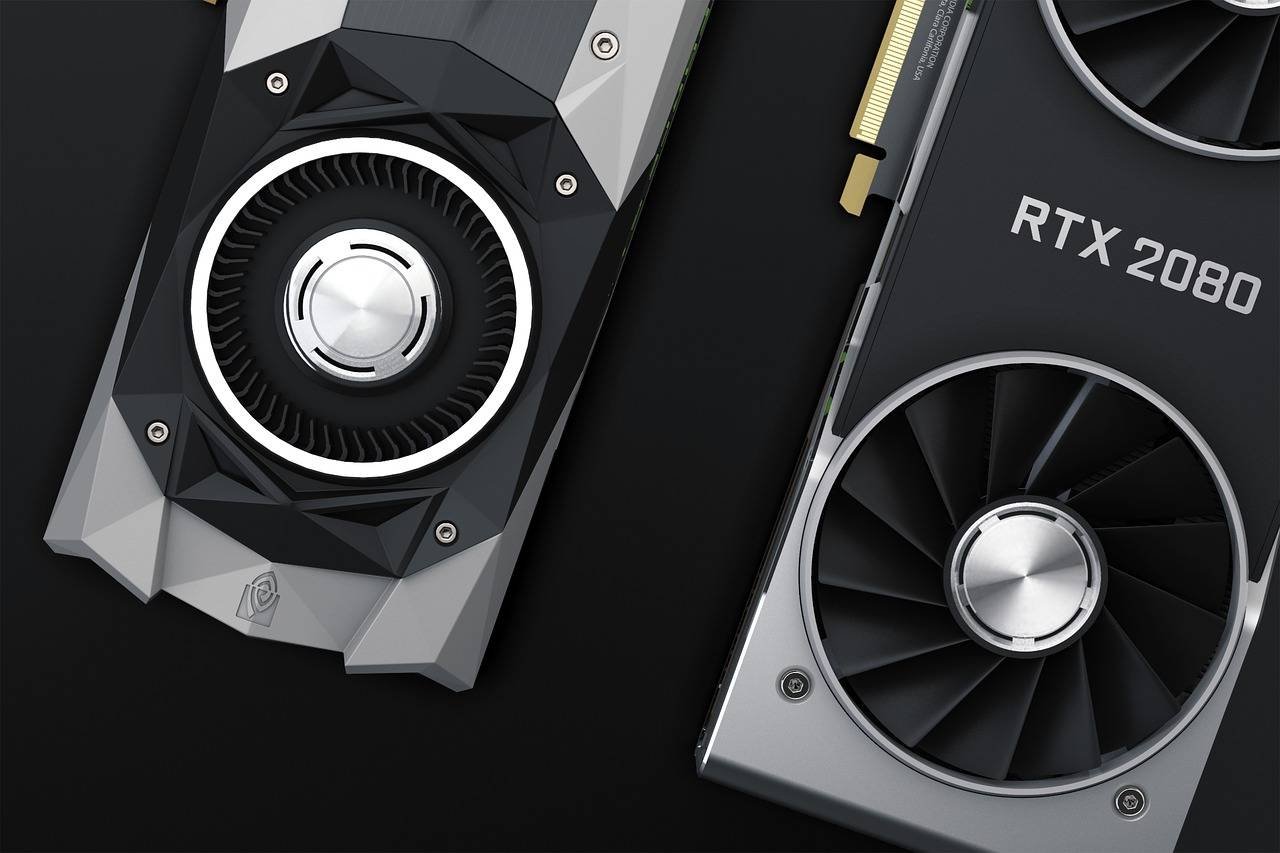
Don’t need the absolute top-tier but want 90% of the performance for a better price? The Intel Core i7-14700K is a spectacular value proposition.
- Architecture: Raptor Lake Refresh
- Cores/Threads: 20 Cores (8 P-cores + 12 E-cores) / 28 Threads
- Max Boost Clock: Up to 5.6 GHz
- Why it’s a great match: It received a significant core count bump over its predecessor, closing the multi-threaded gap with the i9. Its gaming performance is within a few percentage points of the flagship, making it one of the most cost-effective ways to fully leverage a 3090 Ti for both gaming and productivity.
- Considerations: Remains a power-hungry chip under full multi-core load.
Platform Considerations: Motherboard, RAM, and Cooling
Your CPU choice dictates your entire platform. Here’s a quick guide:
-
For Intel 13th/14th Gen (i9-14900K, i7-14700K):
- Chipset: Z790 (for overclocking) or B760.
- RAM: Both DDR4 and DDR5 are supported, but for a no-compromise 3090 Ti build, opt for DDR5-6000 or faster.
- Cooling: A 280mm or 360mm AIO liquid cooler is highly recommended, especially for the i9.
- For AMD Ryzen 7000 (7800X3D, 7950X):
- Chipset: X670E (full PCIe 5.0 support) or B650.
- RAM: DDR5 only. The sweet spot for Ryzen 7000 is DDR5-6000 CL30.
- Cooling: The 7800X3D can be cooled by a high-end air cooler. The 7950X benefits greatly from a 240mm+ AIO.
Pro Tip: Never skimp on the Power Supply Unit (PSU). For an RTX 3090 Ti + high-end CPU combo, a high-quality 80+ Gold 1000W PSU from brands like Corsair, Seasonic, or be quiet! is a mandatory investment for stability and longevity.
Making Your Final Decision: The Practical Choice Matrix
| Your Primary Use Case | Top Recommendation | Strong Alternative |
|---|---|---|
| Ultimate Gaming & High FPS (1440p/1080p) | AMD Ryzen 7 7800X3D | Intel Core i9-14900K |
| 4K Gaming & Heavy Multitasking/Streaming | Intel Core i9-14900K | AMD Ryzen 9 7950X |
| Professional Creative Work (3D, 8K Video) | AMD Ryzen 9 7950X | Intel Core i9-14900K |
| Best Value High-End Performance | Intel Core i7-14700K | AMD Ryzen 7 7800X3D |
Frequently Asked Questions (FAQ)
Q: Is the RTX 3090 Ti overkill for gaming?
A: For pure 1080p gaming, yes. It is designed for 4K, 1440p at ultra-high refresh rates (240Hz+), and professional workloads that leverage its massive VRAM.
Q: Will an older CPU like a Ryzen 5 5600X bottleneck the 3090 Ti?
A: Yes, significantly, especially at 1080p and 1440p. While it will “work,” you will be leaving a substantial amount of the GPU’s performance unused.
Q: How important is PCIe 4.0 vs PCIe 5.0 for this setup?
A: Currently, PCIe 4.0 offers more than enough bandwidth for the RTX 3090 Ti and the fastest NVMe SSDs. PCIe 5.0 is a future-proofing feature, not a current performance necessity.
Q: Do I need to overclock my CPU to avoid a bottleneck?
A: Not necessarily. The CPUs recommended here are so powerful at stock settings that overclocking often yields only minor real-world gains (1-5%). A stable, well-cooled system is more important than a highly overclocked one.
Final Thoughts
Pairing the best CPU for your NVIDIA GeForce RTX 3090 Ti is about balance, purpose, and budget. There is no single “wrong” choice from our list, only choices better suited to your specific needs.
- Choose the Ryzen 7 7800X3D for a pure, future-proofed gaming missile.
- Choose the Core i9-14900K for the absolute best hybrid gaming and productivity performance today.
- Choose the Ryzen 9 7950X if your creative work pays the bills.
- Choose the Core i7-14700K for incredible performance that respects your budget.
Whichever path you choose, you’ll be building one of the most formidable PCs possible, ready to tackle any game or project you throw at it. Enjoy the build!
Sources & Further Reading:
- For independent CPU and GPU benchmark data, I consistently rely on the rigorous testing from TechPowerUp and Gamers Nexus.
- To understand the technical nuances of CPU architecture and game performance, the deep dives by AnandTech are invaluable.
- NVIDIA’s official specifications for the GeForce RTX 3090 Ti provide the baseline for its capabilities.